Pocket Applets
Pocket Shell
A launcher of small apps for the M5Stack Tab5 and the Nintendo 3DS.
By evan. Verified by Pocket Nexus.
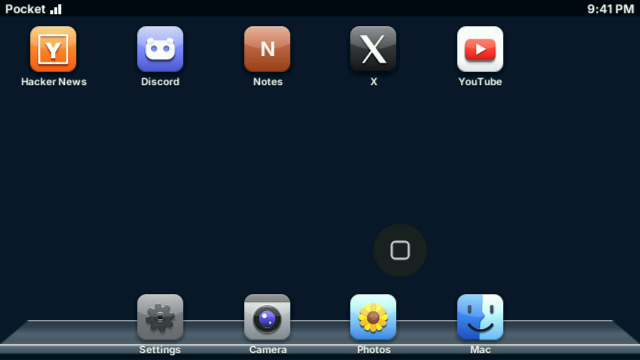
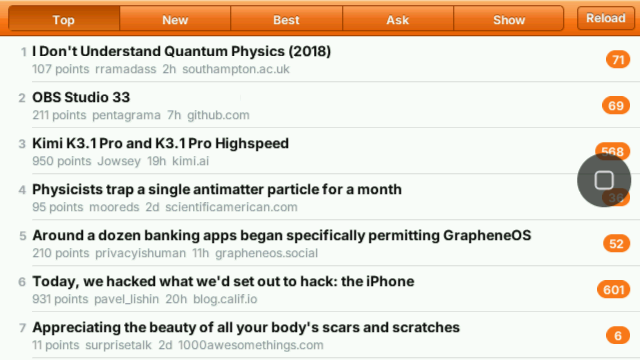
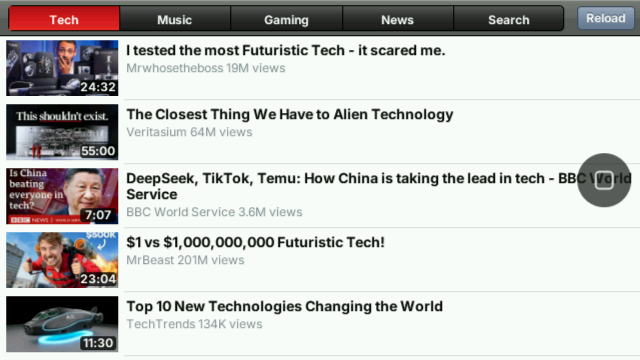
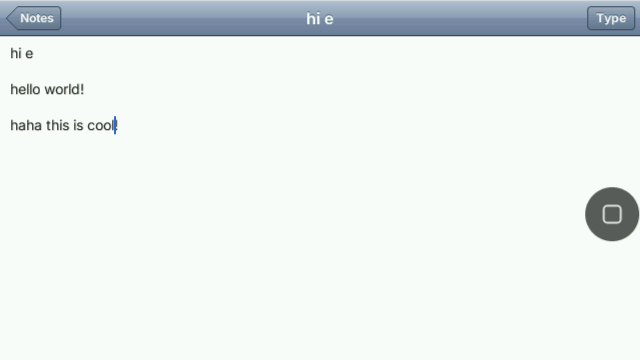
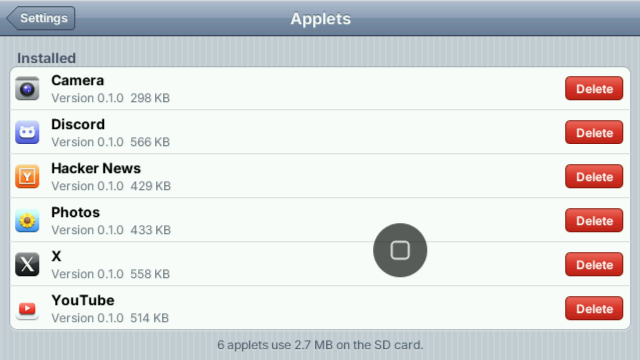
These pictures were captured on the devices.
Download
For your device
Source code
Every package here is built from this source, and a remix starts from it.
All versionsPast versions come with the membership.
Free with a Pocket Studio account. Install guide.
Applets
Every applet installs and updates from Pocket Companion. The ones marked need it running while they are open. Each has a page of its own.
- Hacker NewsThe front page and its threads, read on the device.Works on its own
- XYour timeline, a post and its replies, and a place to write.Needs Pocket Companion
- YouTubeBrowse by topic and watch.Needs Pocket Companion
- DiscordYour servers, their channels and the chat.Needs Pocket Companion
- GitHubYour notifications, pull requests, issues and code.Needs Pocket Companion
- WeatherYour places and their forecasts: now, the next hours and the week.Needs Pocket Companion
- PodcastsFind a show, follow it and listen.Needs Pocket Companion
- MapsMaps of the world, with search and where you are.Needs Pocket Companion
- Home AssistantYour Home Assistant: lights, switches, climate and scenes.Needs Pocket Companion
- NotesNotes you type on the device, kept on it.Works on its own
- PhotosThe pictures on the microSD card.Works on its own
- CameraTake a picture with the device's camera.Works on its own









How to install
- Pocket Shell on your deviceWrite Pocket Shell's firmware to an M5Stack Tab5 with esptool, or copy the .3dsx for the Nintendo 3DS to sdmc:/3ds/ and start it from the Homebrew Launcher.
- Pocket Companion on a MacDownload Pocket Companion, move it to Applications and open it; the install guide says how the first time. Its window sets up what the applets use, such as X, Discord and YouTube.
- Pair themOn the device, open Settings, then Mac, choose "Pair a Mac..." and point the camera at the code the Mac shows. Then tap Mac on the home screen: GET installs an applet and UPDATE brings a newer one over the air.
Pocket Shell is the launcher that runs Pocket Applets on the M5Stack Tab5 and the Nintendo 3DS. Each applet is drawn by the device itself, from one program that lays itself out for either screen.
Applets install and update from Pocket Companion on a paired Mac, over Wi-Fi. The ones that reach a service, such as X or YouTube, ask the Companion while they are open.